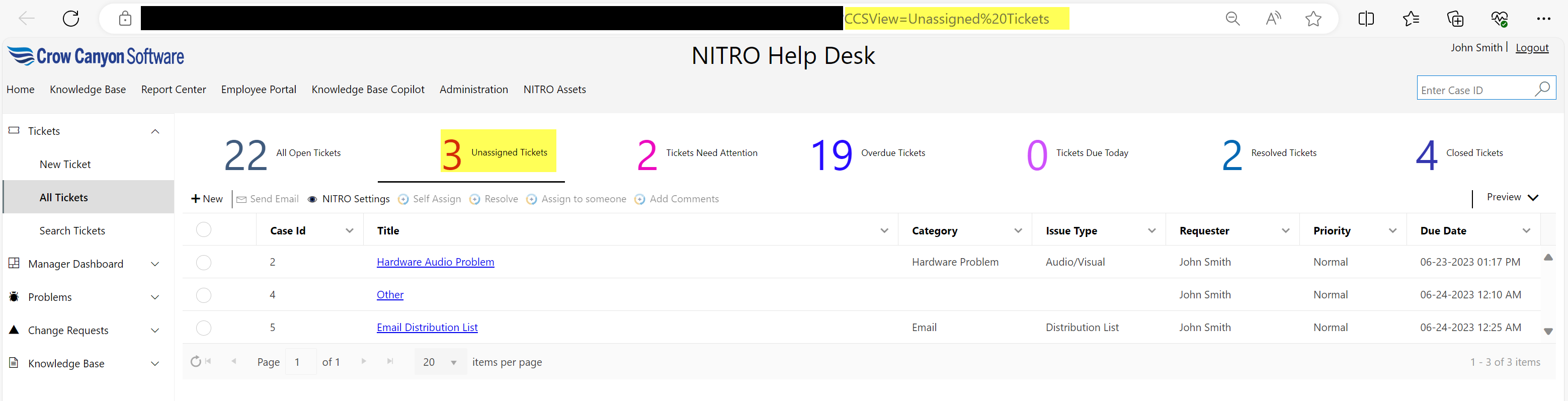
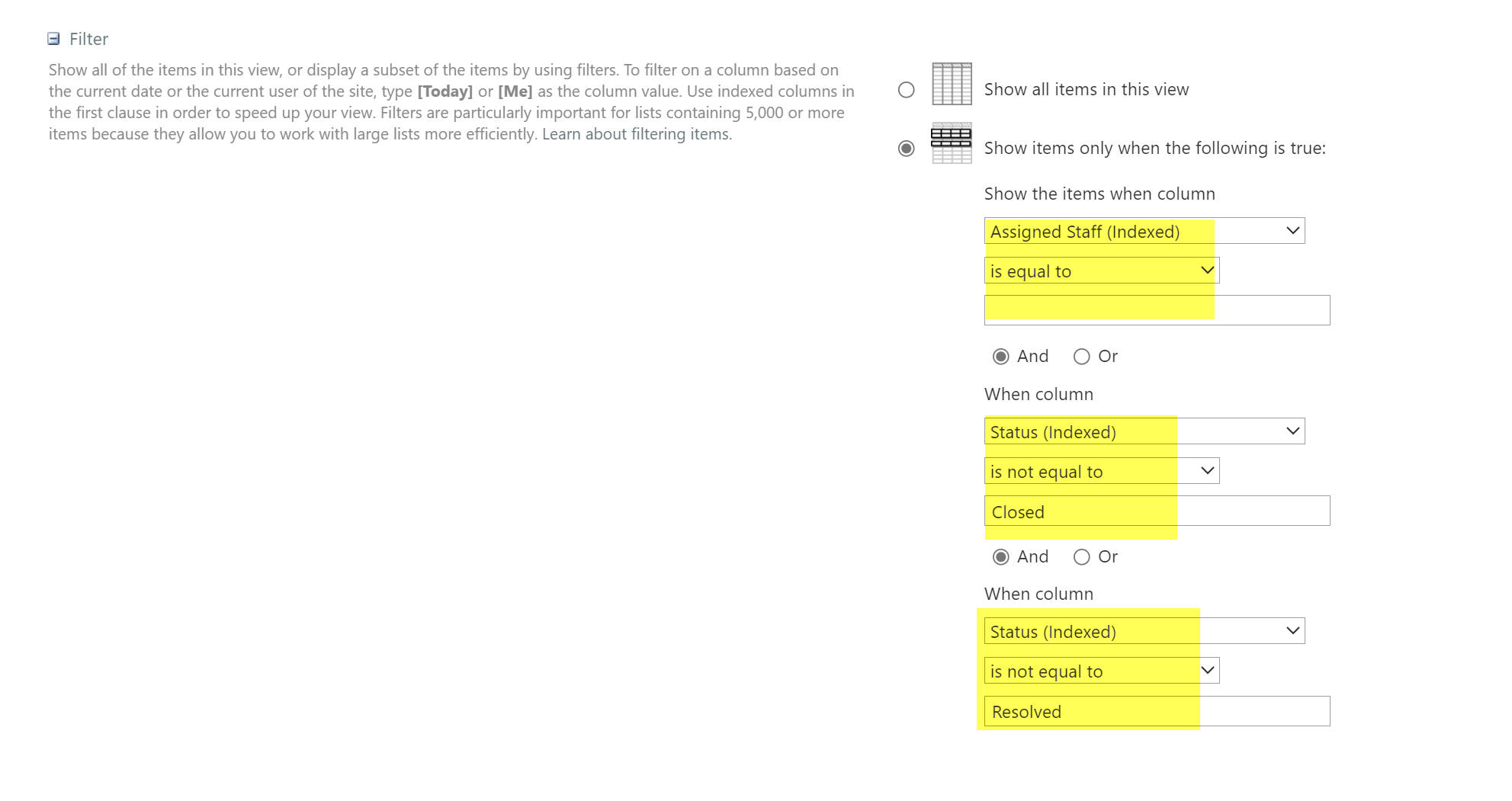
To view all unassigned Tickets, click ‘Unassigned Tickets’ tile in Ticket-Manager- Dashboard page. It will navigate you to the ‘Unassigned Tickets’ view of ‘All Tickets’ page. Filter applied for unassigned Tickets view is ‘”Assigned Staff is equal to empty” and “Status is not equal to Closed and Resolved”’.
Unassigned Tickets are shown below: