This section allows for advanced or custom configurations to adjust how the application functions based on specific business needs.
General Configuration in NITRO Helpdesk provides settings that go beyond the default setup. It’s used when you want to:
•Adjust system behaviour
•Enable or disable certain features
•Apply organization-specific rules or logic
These settings are ideal for tailoring the Helpdesk to meet unique operational requirements without changing the core structure.
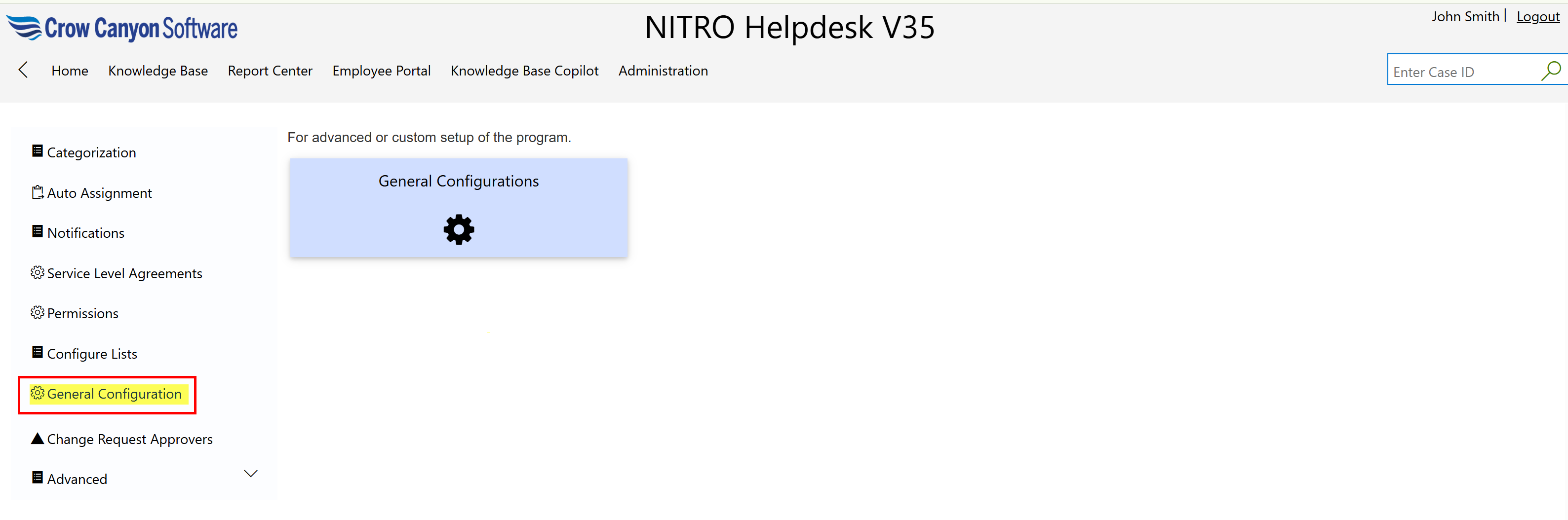
For more detail on General Configuration, refer below link:
General Configuration in NITRO Helpdesk - Crow Canyon Software Support