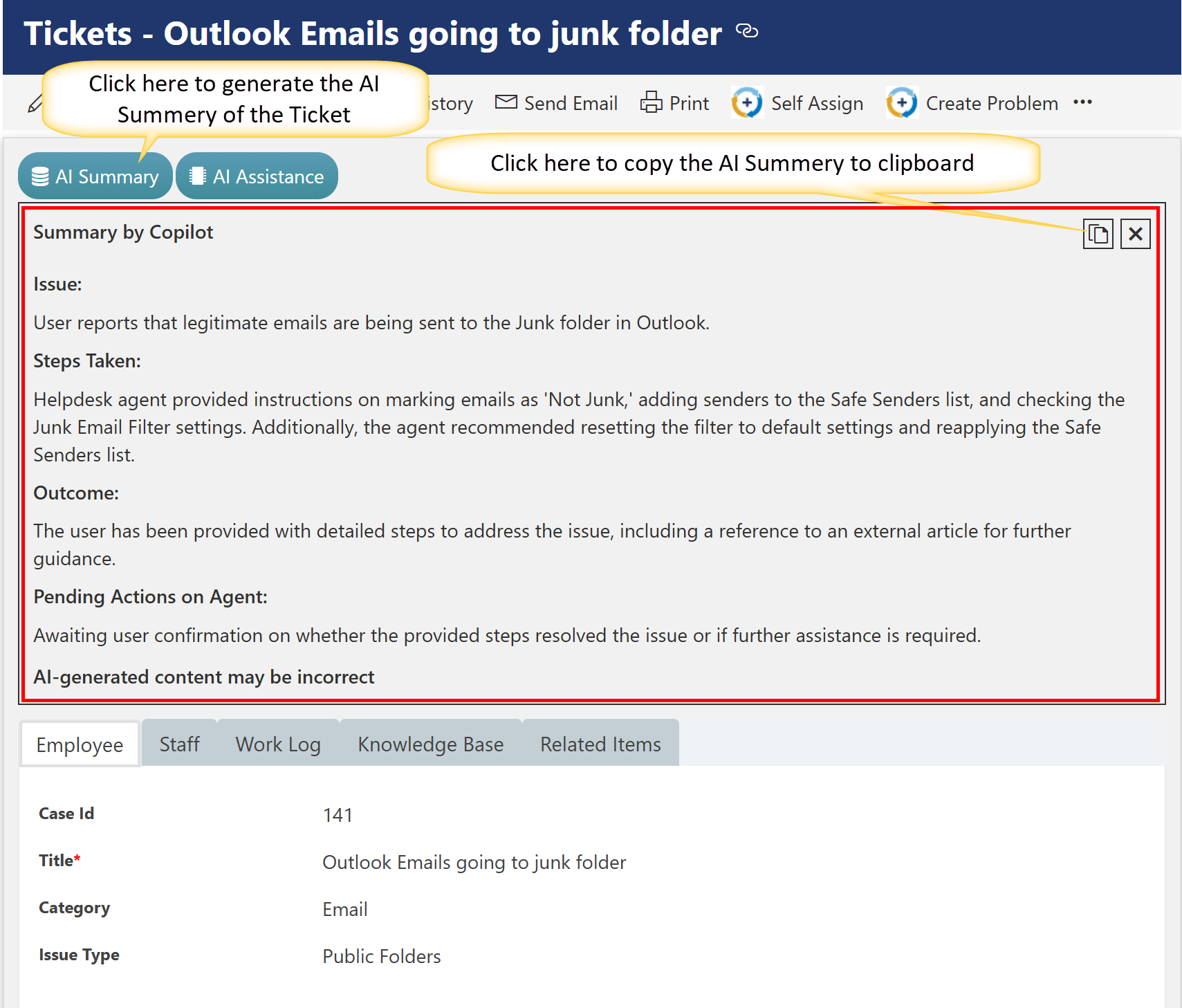
AI Summary helps staff quickly understand the issue, actions taken, outcome, and next steps—making it easier to provide consistent support and documentation.
Example Ticket Used
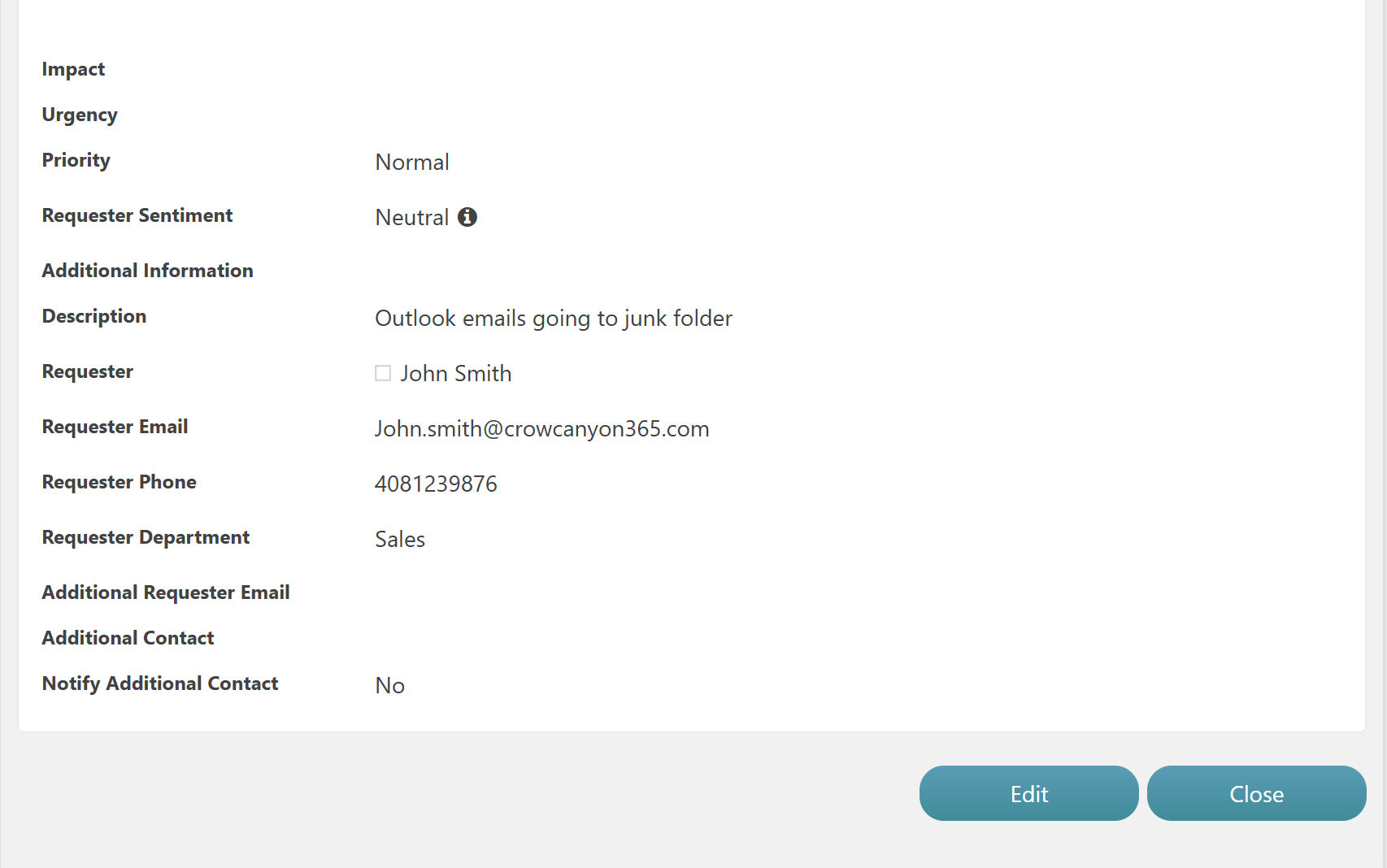
Title: Outlook Emails going to junk folder
Description: Outlook Emails going to junk folder
Requester: John Smith
Category: Email
Issue Type:Public Folders
Priority: Normal
AI Summary Format
The AI Summary should follow a clear and standardized format. Use the following structure:
•Issue: A brief statement describing the core user-reported problem.
•Steps Taken: Summary of the actions or troubleshooting steps performed by the helpdesk agent.
•Outcome: The current result or resolution status of the issue.
•Pending Actions on Agent: Any follow-ups or confirmations needed by the support team.
Sample AI Summary
Summary by Copilot
Issue:
User reports that legitimate emails are being sent to the Junk folder in Outlook.
Steps Taken:
Helpdesk agent advised marking emails as ‘Not Junk,’ adding the senders to the Safe Senders list, and reviewing the Junk Email Filter settings. The agent also recommended resetting the filter to default and reapplying the Safe Senders list.
Outcome:
The user has been guided with steps to resolve the issue and referred to additional documentation.
Pending Actions on Agent:
Waiting for the user to confirm whether the issue is resolved or further help is needed.
Note: AI-generated content may be incorrect. Review and validate before using.