Home
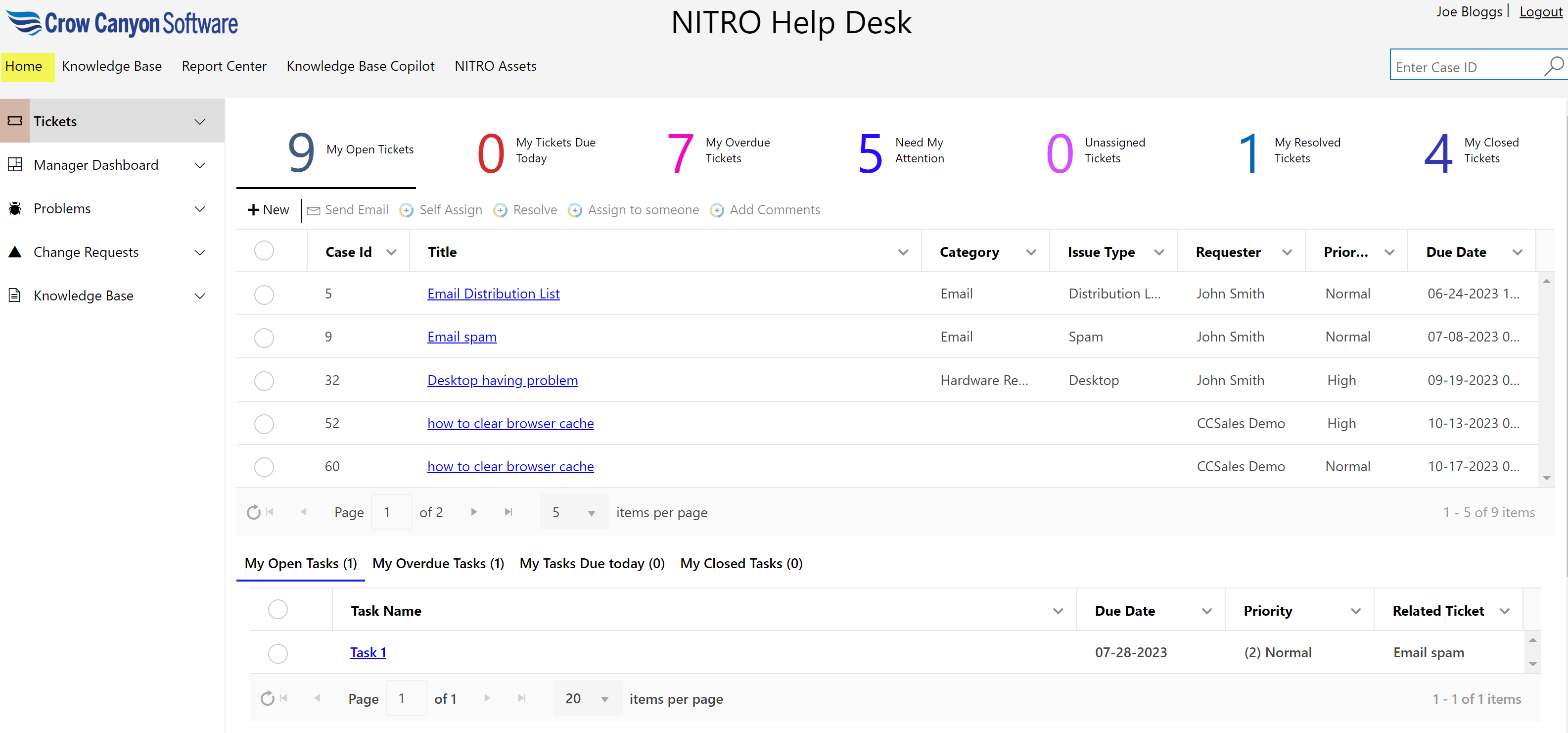
This top link bar will navigate you to the Ticket-Staff-Workspace page as shown below
Knowledge Base
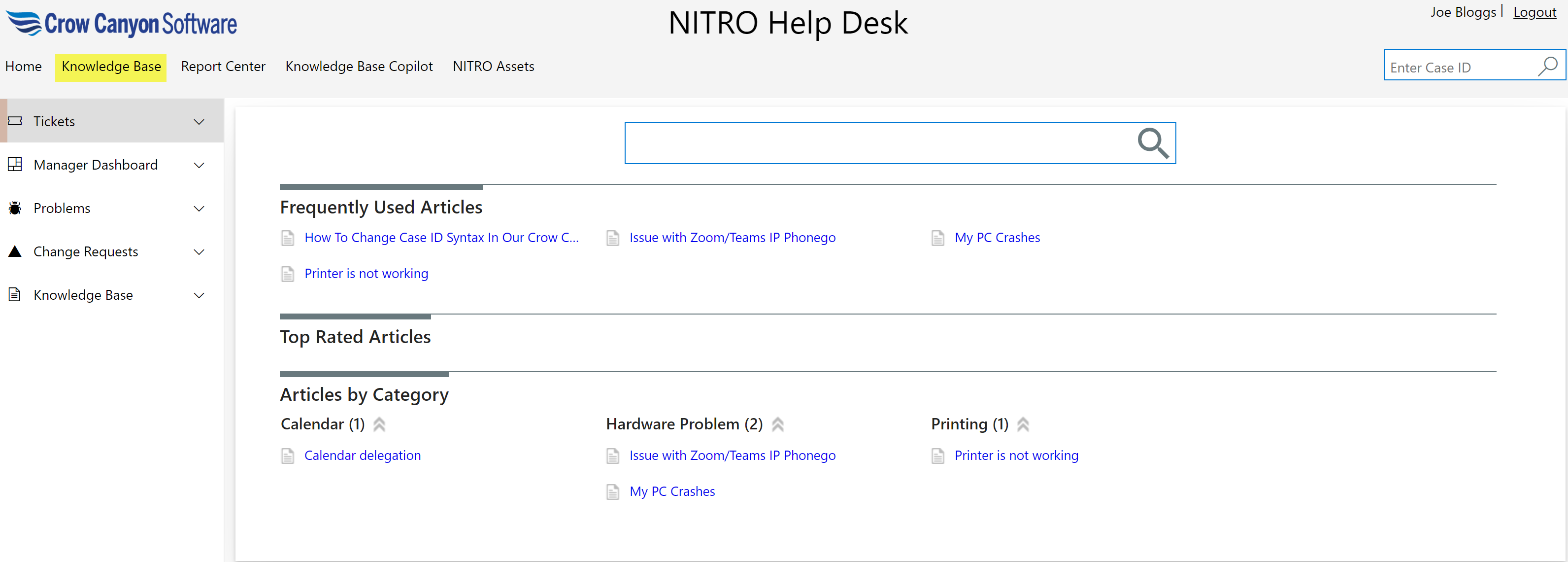
This top link bar will navigate you to the knowledge base article search page.
Report Center
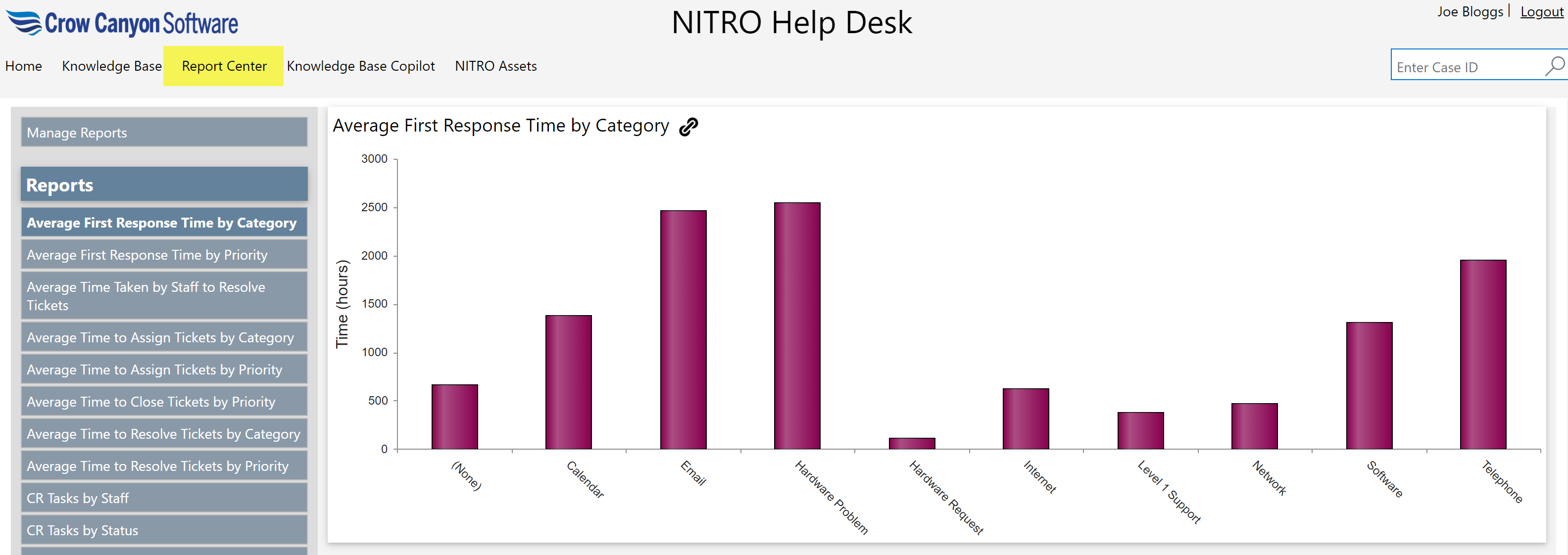
Different reports configured on Tickets are shown on this page. Reports can be created/updated using NITRO Reports component.
Refer this article for more details on the Reports.
Knowledge Base Copilot
This top link bar will open below page: here user can enter their query to start conversation. By clicking ‘New Chat’ button, new conversation will start( All previous conversation will be clear).

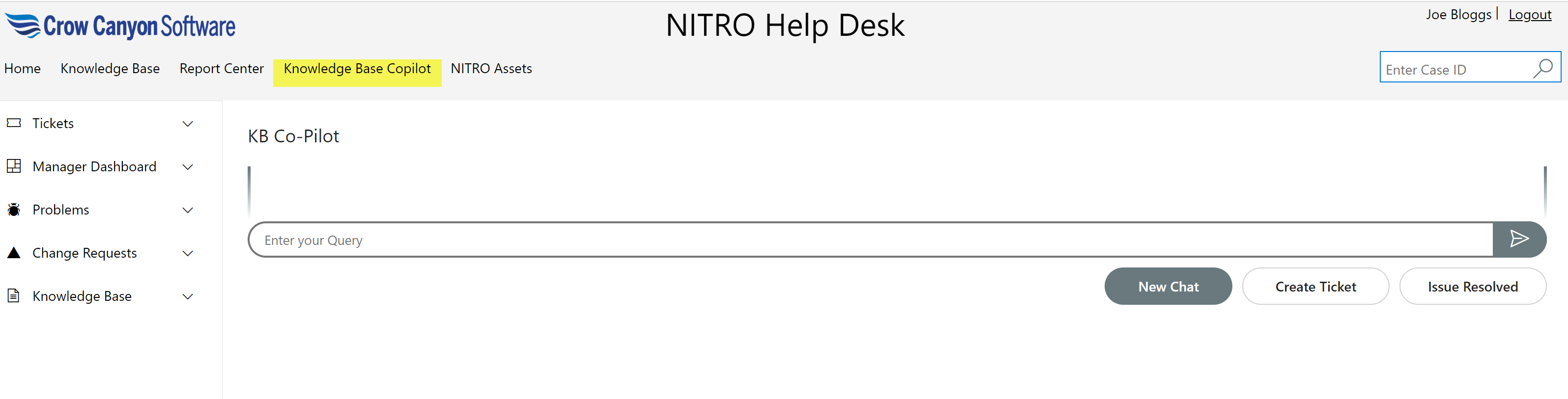
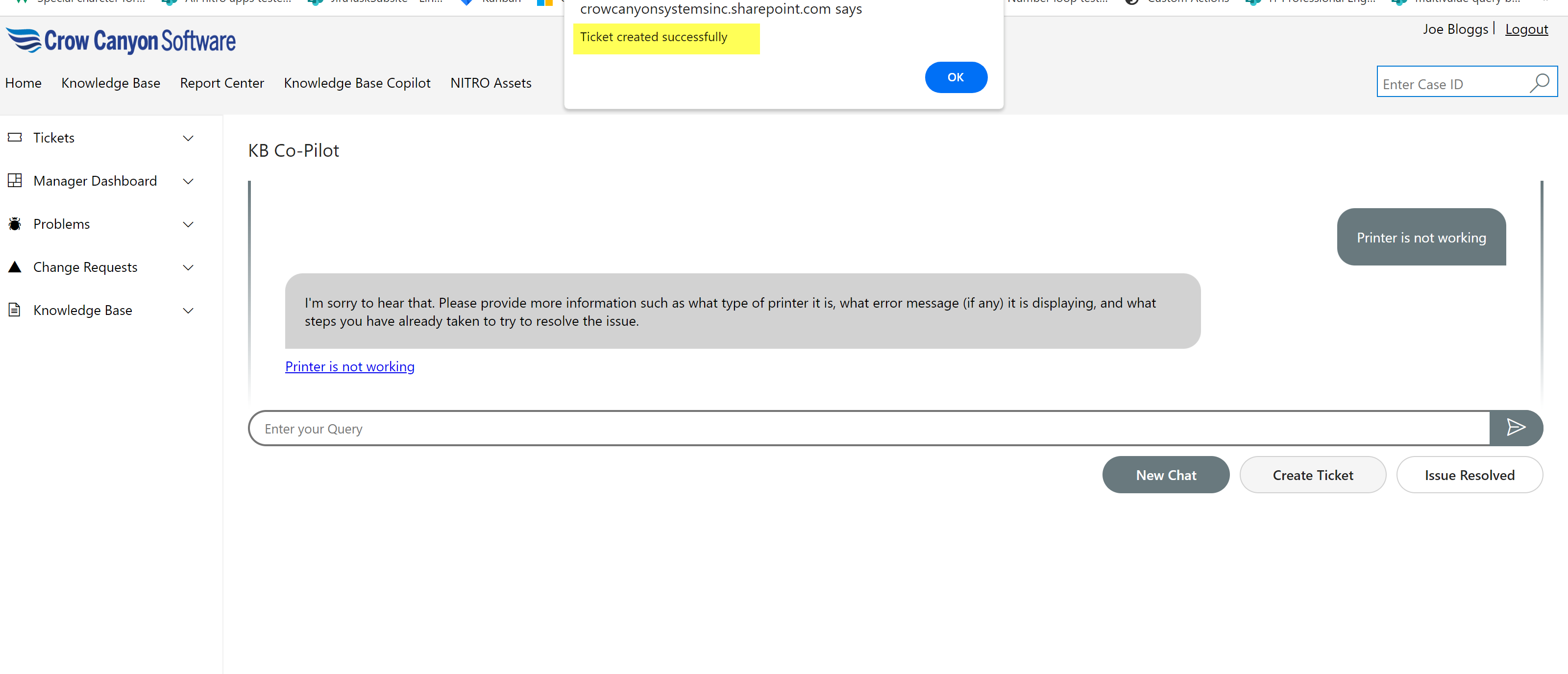
To create new Ticket, click ‘Create Ticket’ button. If issue is resolved, click ‘Issue Resolved’ button.
NITRO Assets
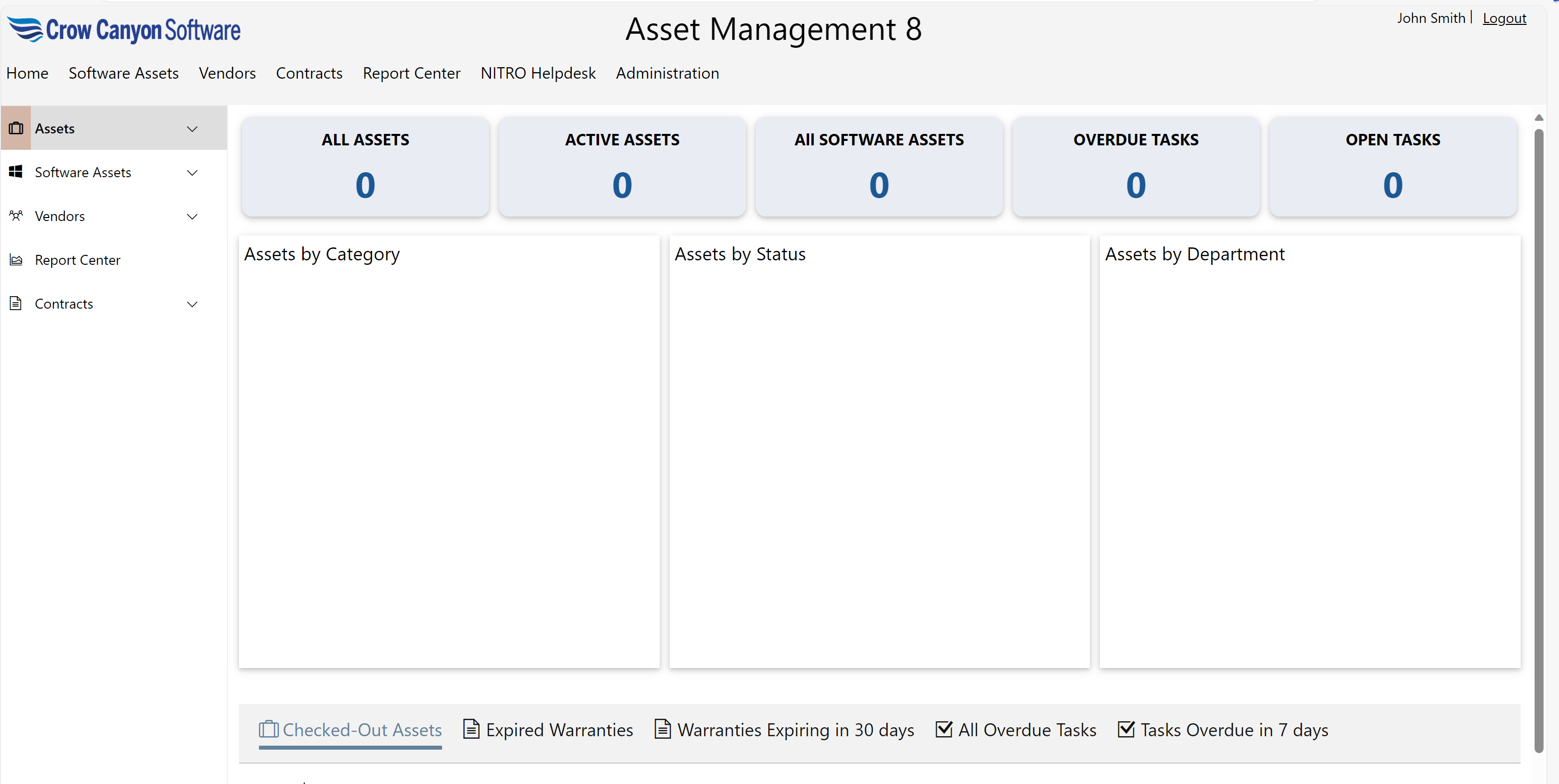
Clicking NITRO Assets in top link bar will open ‘NITRO Assets’ application home page. This is an optional module for purchase, and has a separate guide for using the Assets program.

Asset Management Application