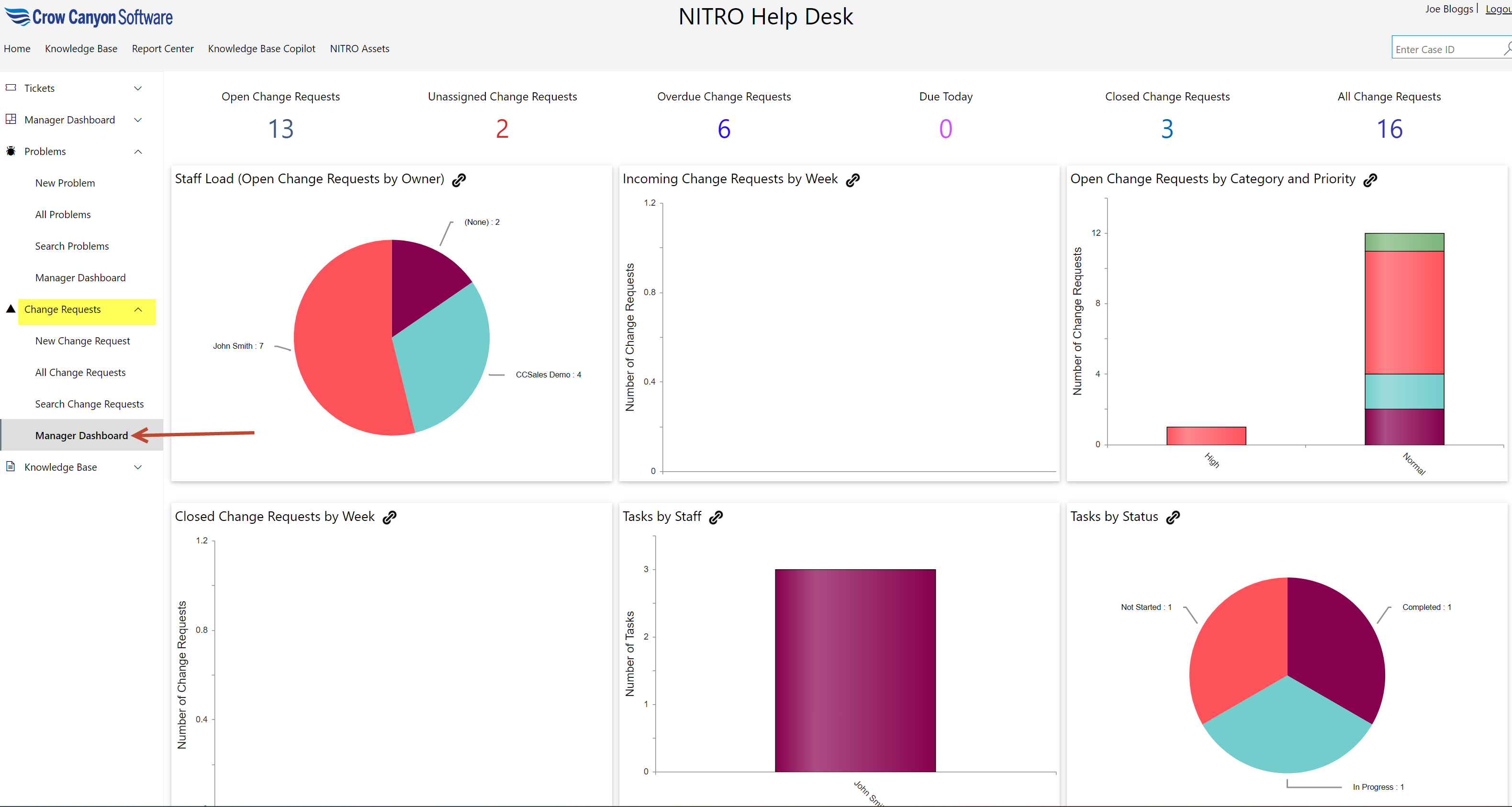
Click this link to open ‘CR-Staff-Workspace’ page.
Change Requests dropdown consists of
•New Change Request
•All Change Requests
•Search Change Requests
•Manager Dashboard
New Change Request
Users can create new Change Request using this link as shown below.
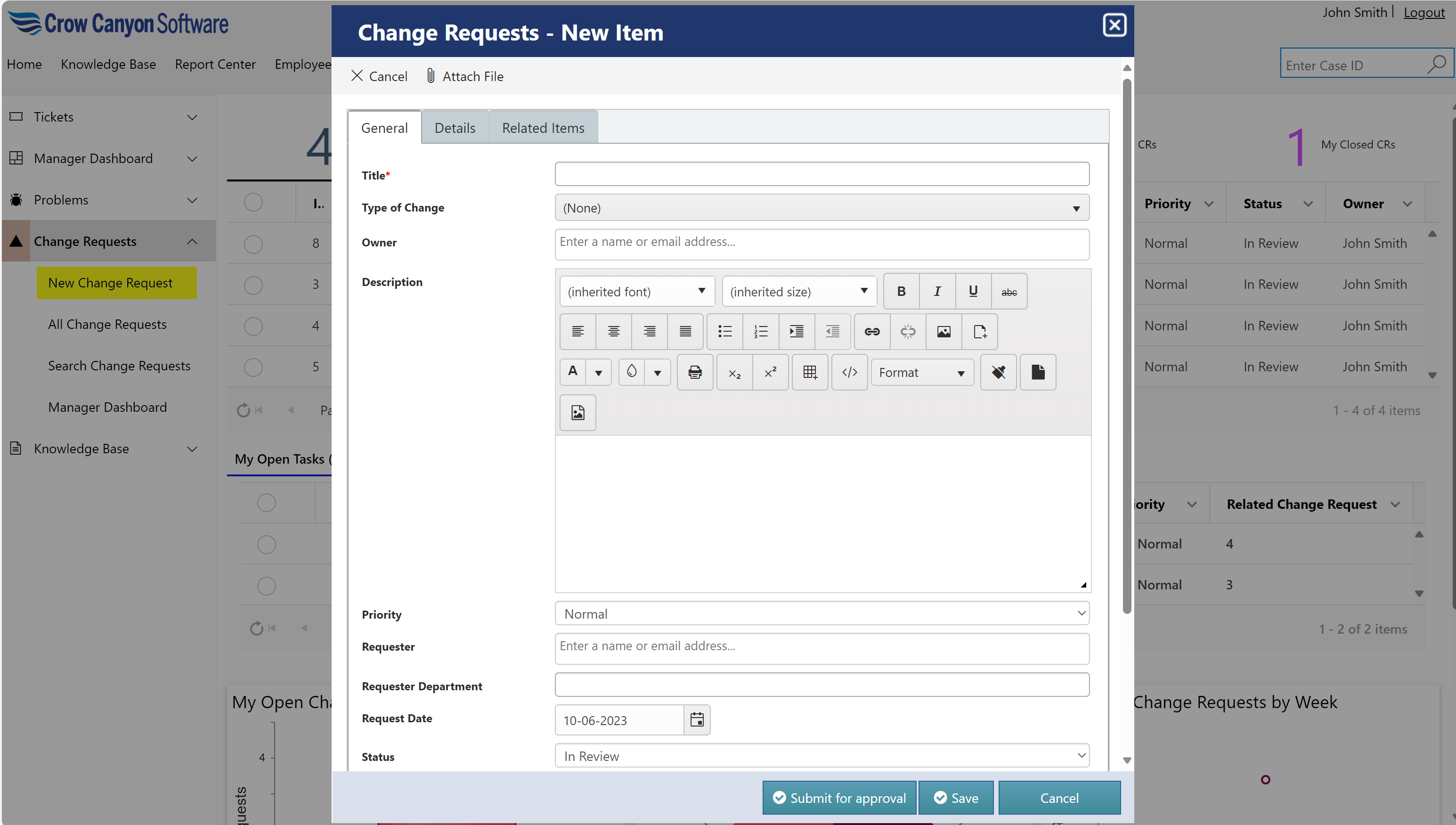
Fill all the details in the form and click ‘Submit for approval’ button to send the change request for approval.
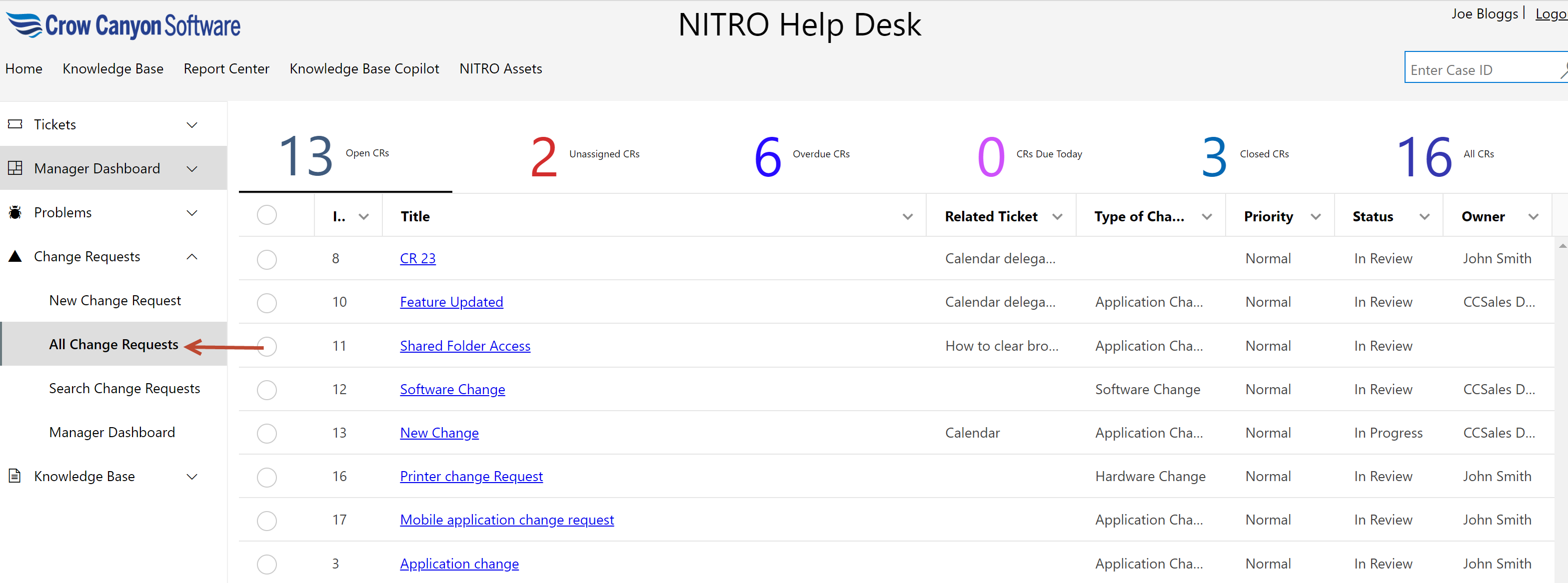
All Change Request
This page has several views to show change requests with different stages.
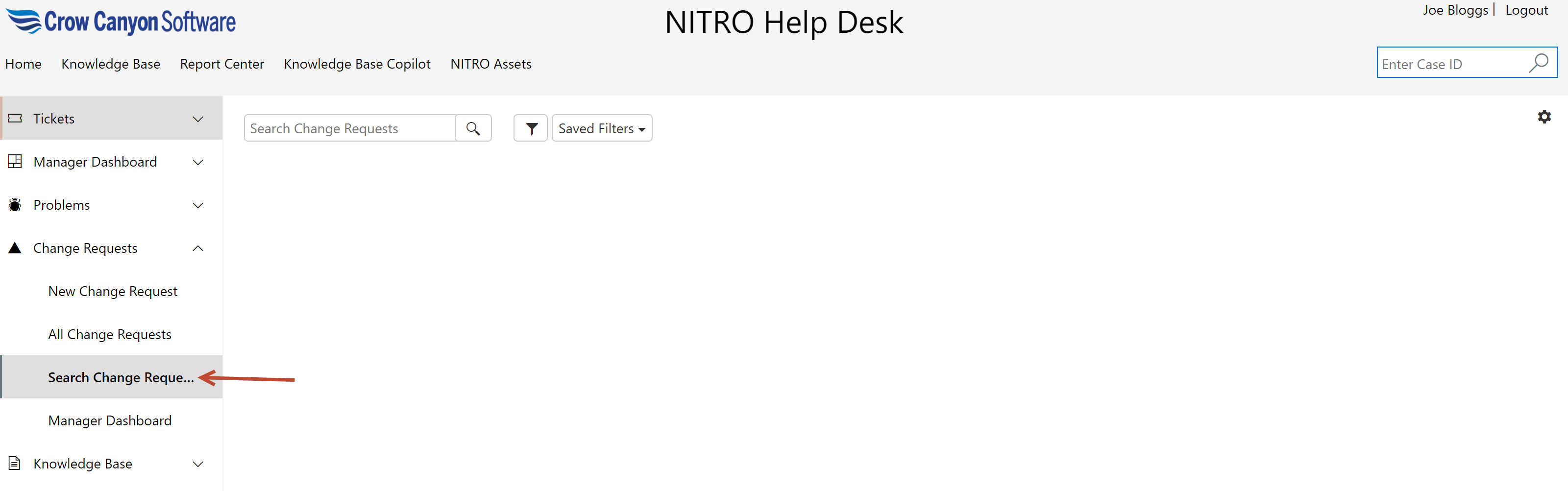
Search Change Requests
User can search a change request by clicking ‘Search Change Requests’ in ‘Change Requests’ dropdown as shown below
Manager Dashboard
Click this link to open ‘CR-Staff-Workspace’ page.
This page consists of
•Clickable tiles that show count of change requests in different state
•Graphical reports for change requests