The Service Catalog lets admins publish a structured list of services—like "Find People"—that users can access via the Employee Portal.
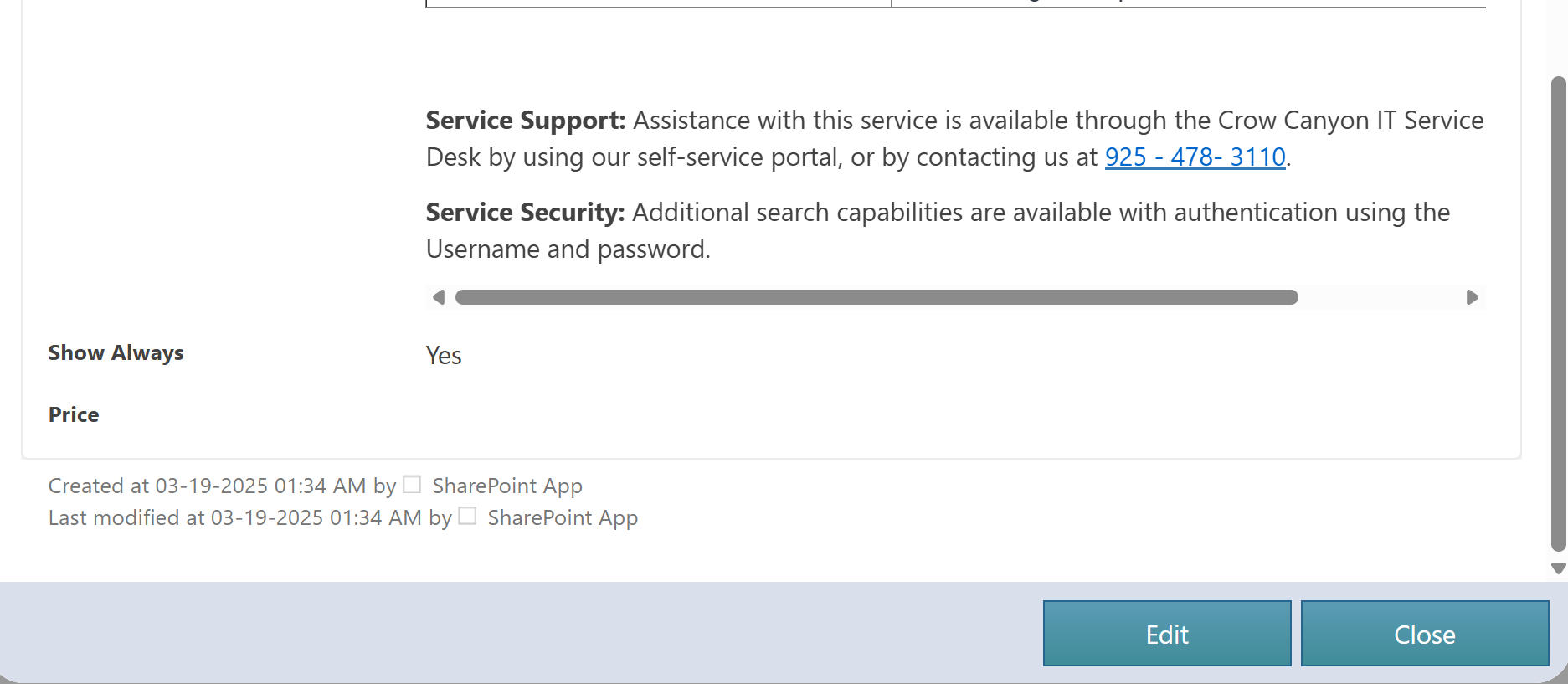
Each service entry (e.g., "Request New Laptop", "Find People") is organized under categories using the Catalog list for easy navigation.
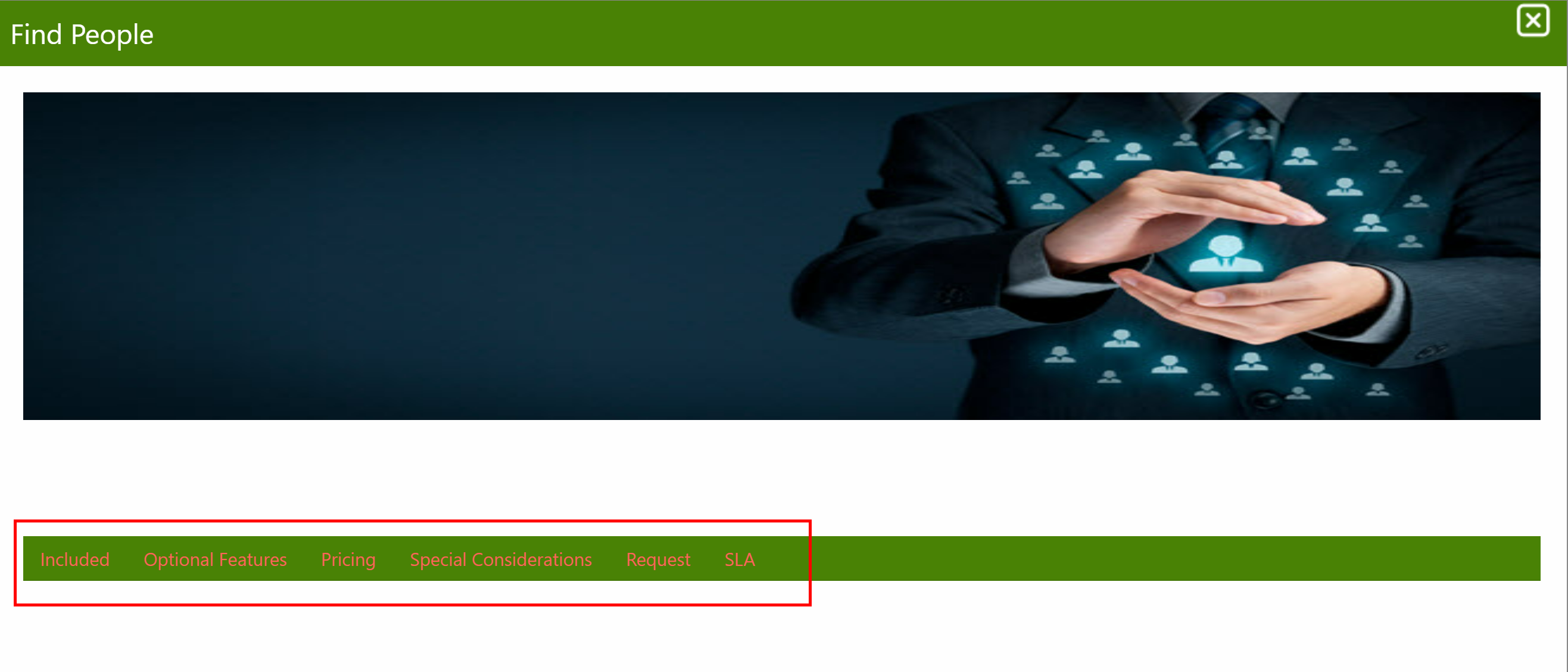
When a user views a service like "Find People", its details (e.g., Description, Included, Optional Features, Pricing) appear as separate tabs, improving readability and helping users quickly understand what’s offered.
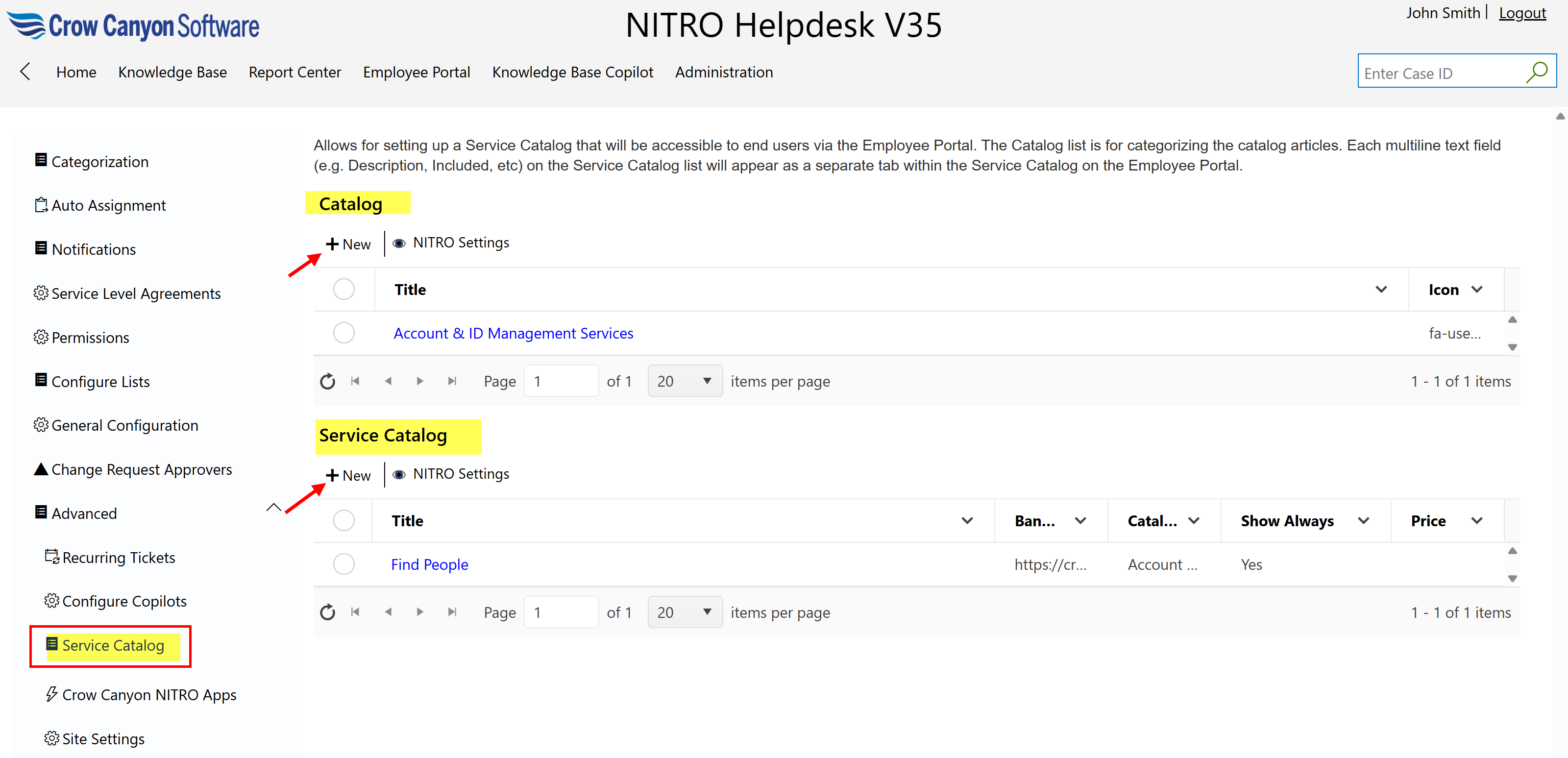
Catalog list item:
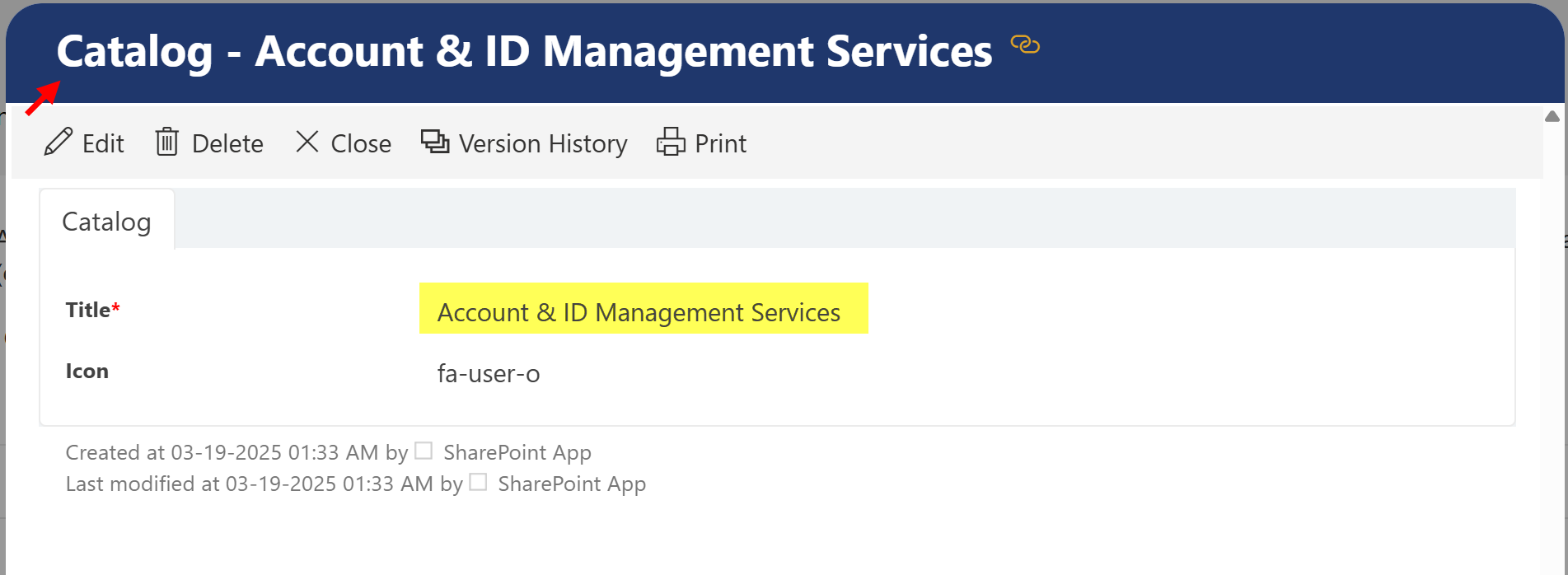
Service Catalog list item:
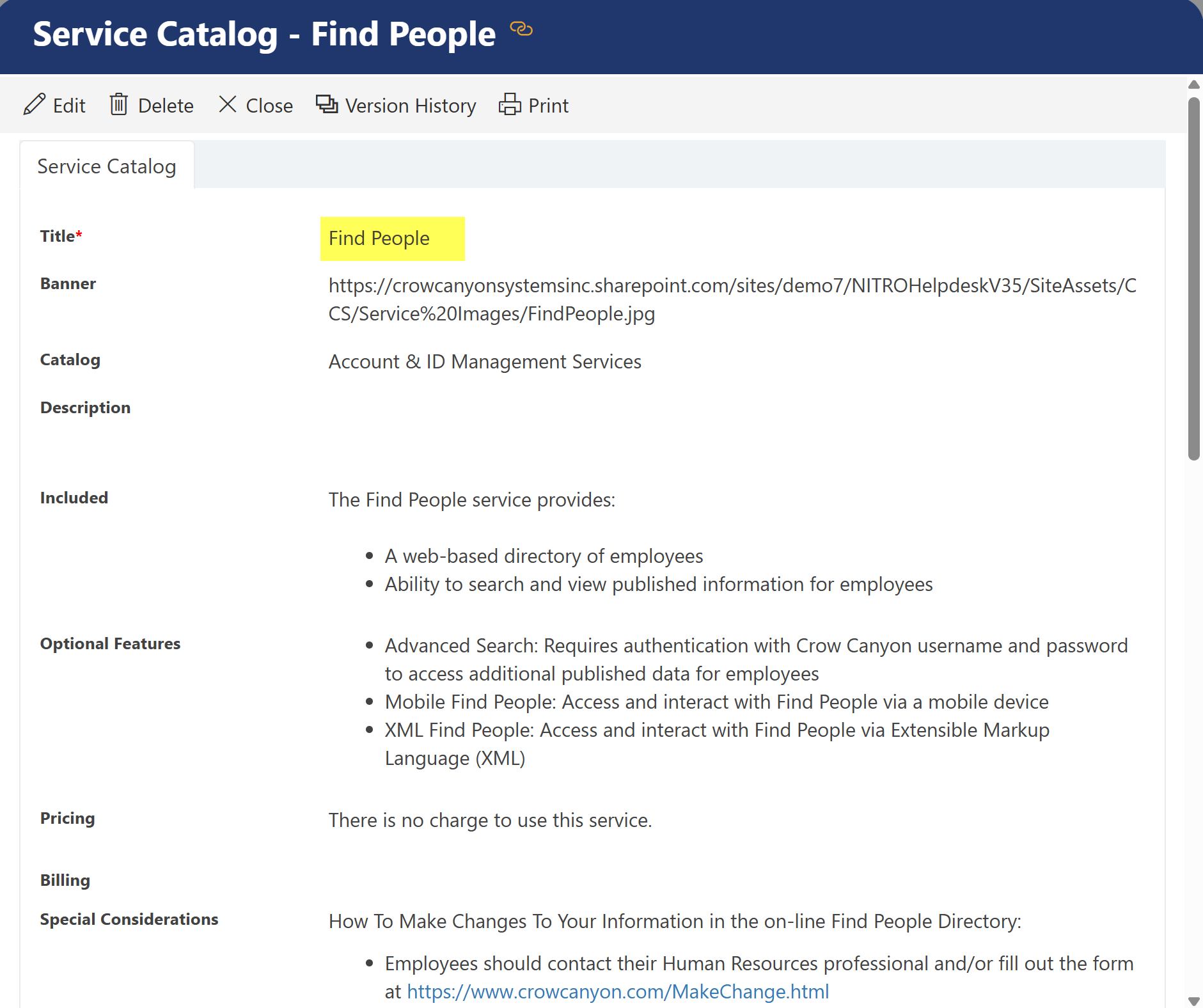
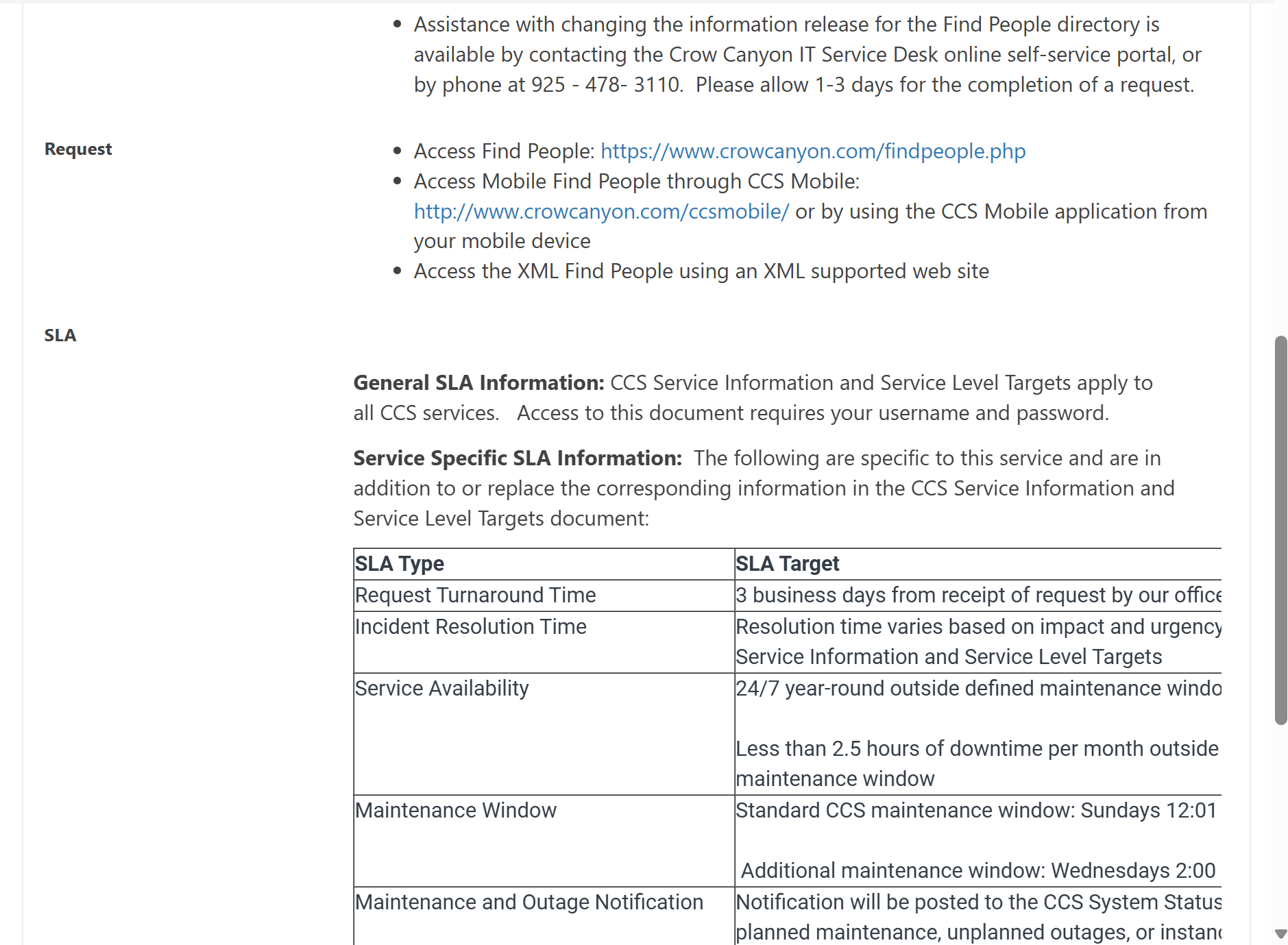
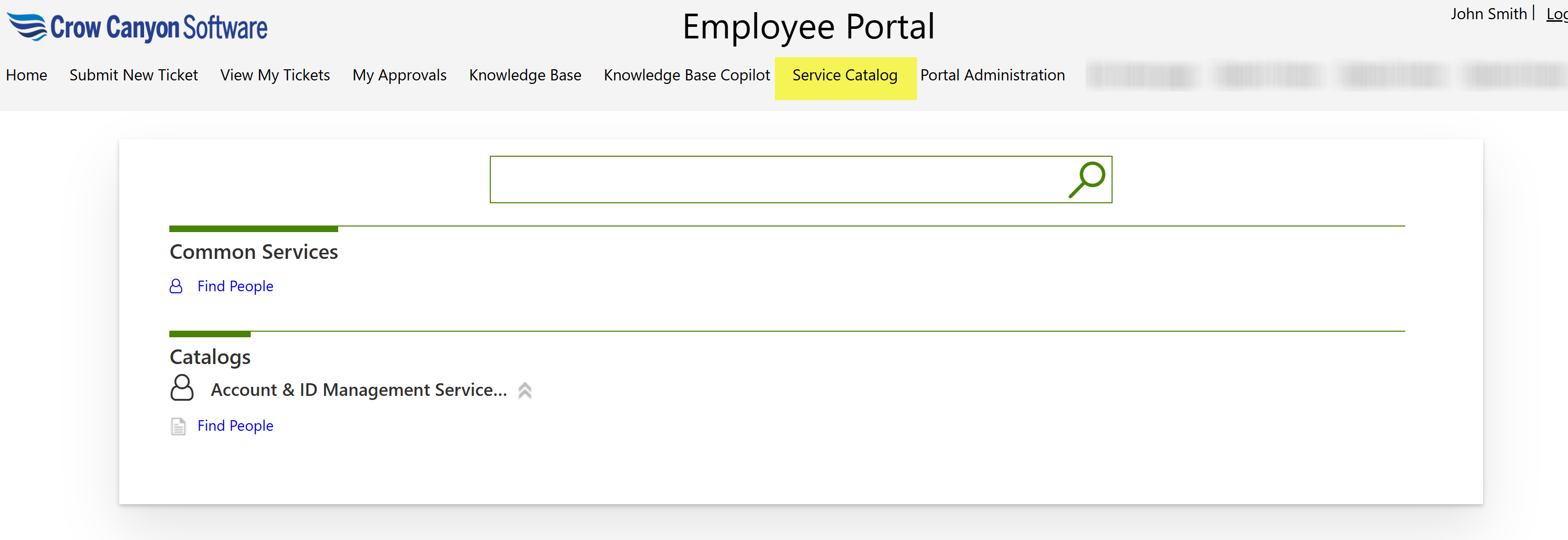
Service Catalog in the Employee Portal
The Service Catalog in the Employee Portal displays a list of available services that employees can browse and request. Services are grouped into categories for easy navigation, and each service includes detailed information presented in separate tabs such as Description, Included Items, and more.
Clicking Find People will open the page shown below.
Refer below article for more detail on service catalog
How to configure Service Catalog Page in Portal? - Crow Canyon Software Support