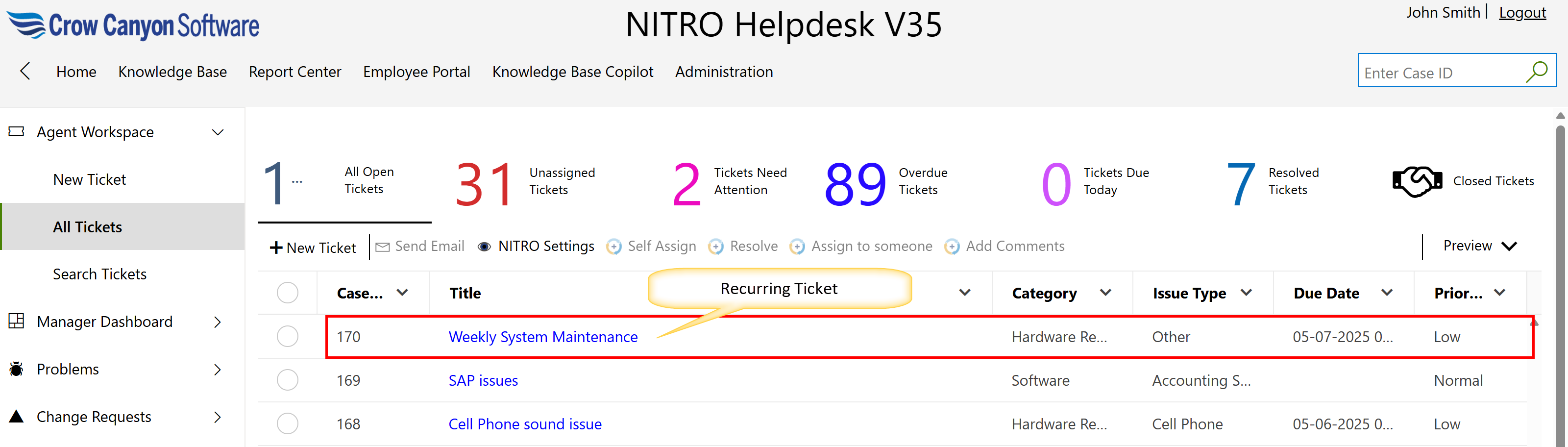
Set Up Recurring Tickets
Automatically generate tickets on a regular schedule (e.g., weekly, monthly) for routine tasks like maintenance.
1.Create a Ticket Template:
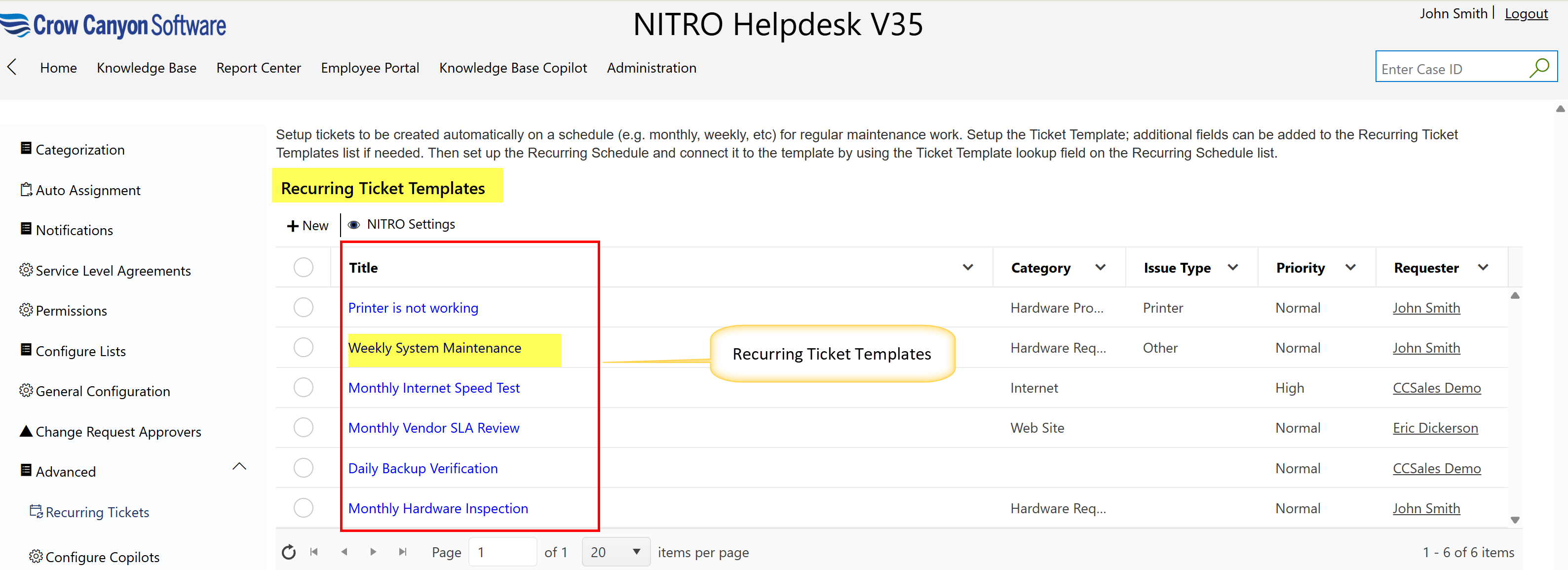
oGo to the Recurring Ticket Templates list and create a new ticket template with the necessary details (e.g., ticket type, description, priority, etc.).
oIf needed, you can add extra fields to this list.
2.Set up a Recurring Schedule:
oGo to the Recurring Schedule list, where you'll set the frequency of the recurring ticket (e.g., weekly, monthly).
3.Link the Schedule to the Template:
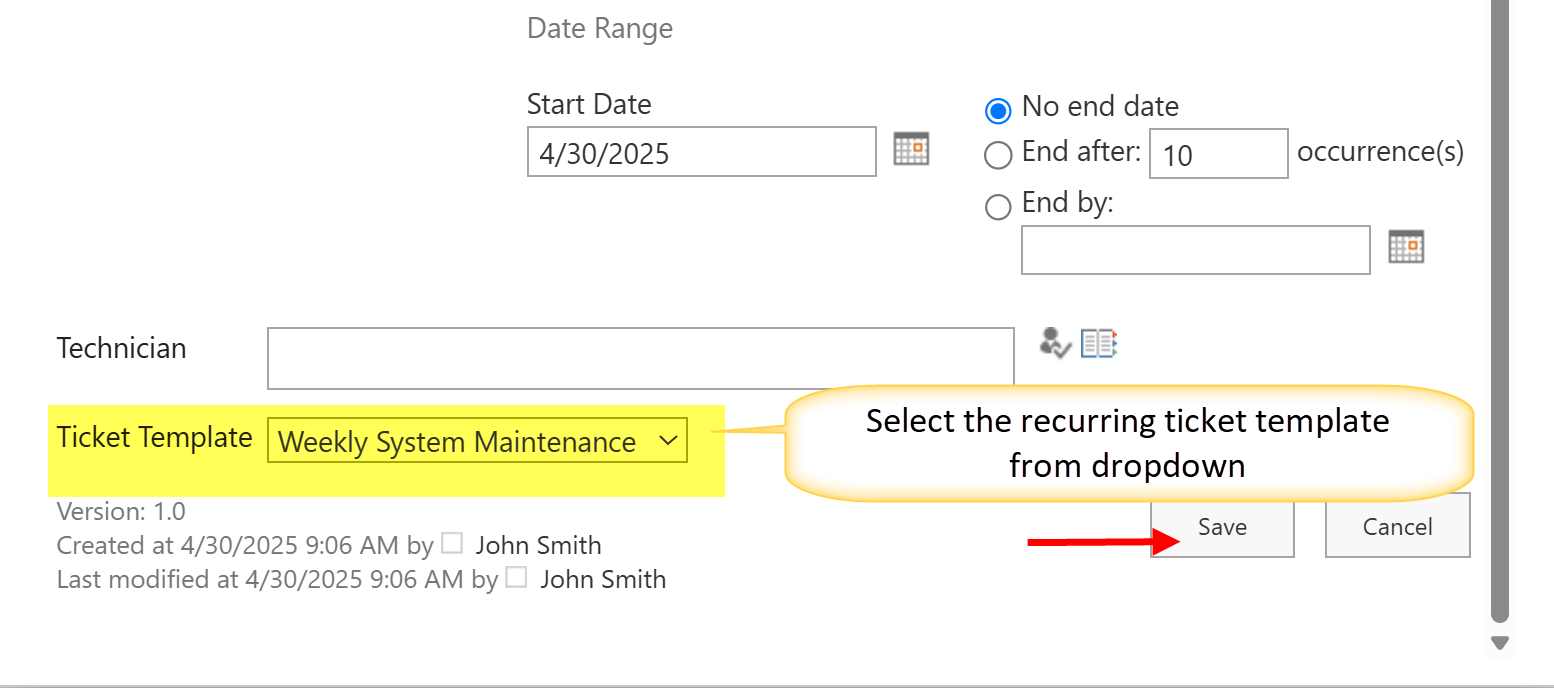
oIn the Recurring Schedule list, find the Ticket Template field. This is a lookup field, meaning it lets you select a record from another list—in this case, the Recurring Ticket Templates list.
oChoose the appropriate ticket template you created earlier from the dropdown in the lookup field.
Once this is set up, the system will automatically generate tickets based on the template and schedule you've configured.
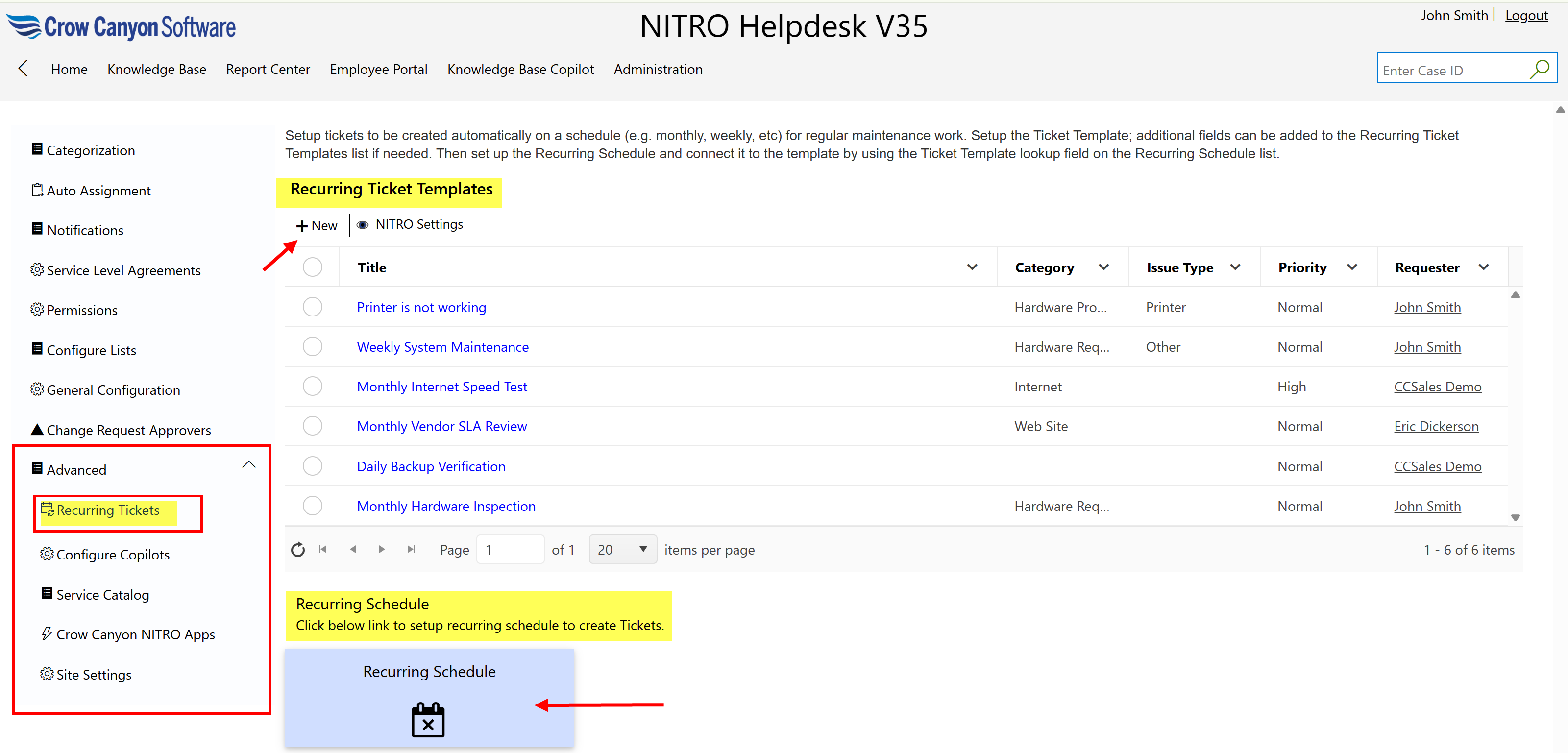
The user can set up a recurring ticket template by clicking the ‘New’ button. A ‘New Item’ form will appear. Fill in all required details in the form and click the ‘Save’ button to complete the process.
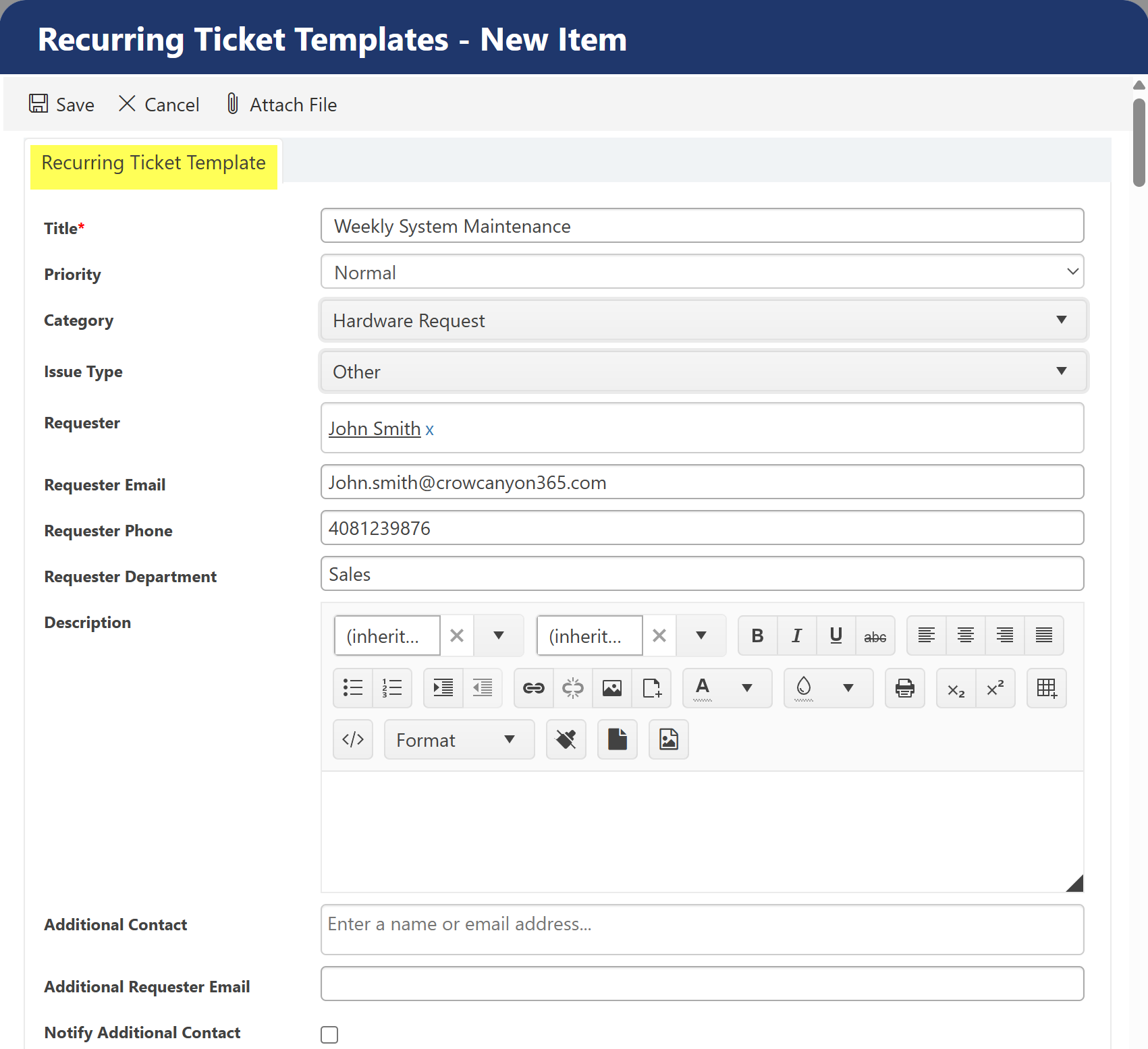
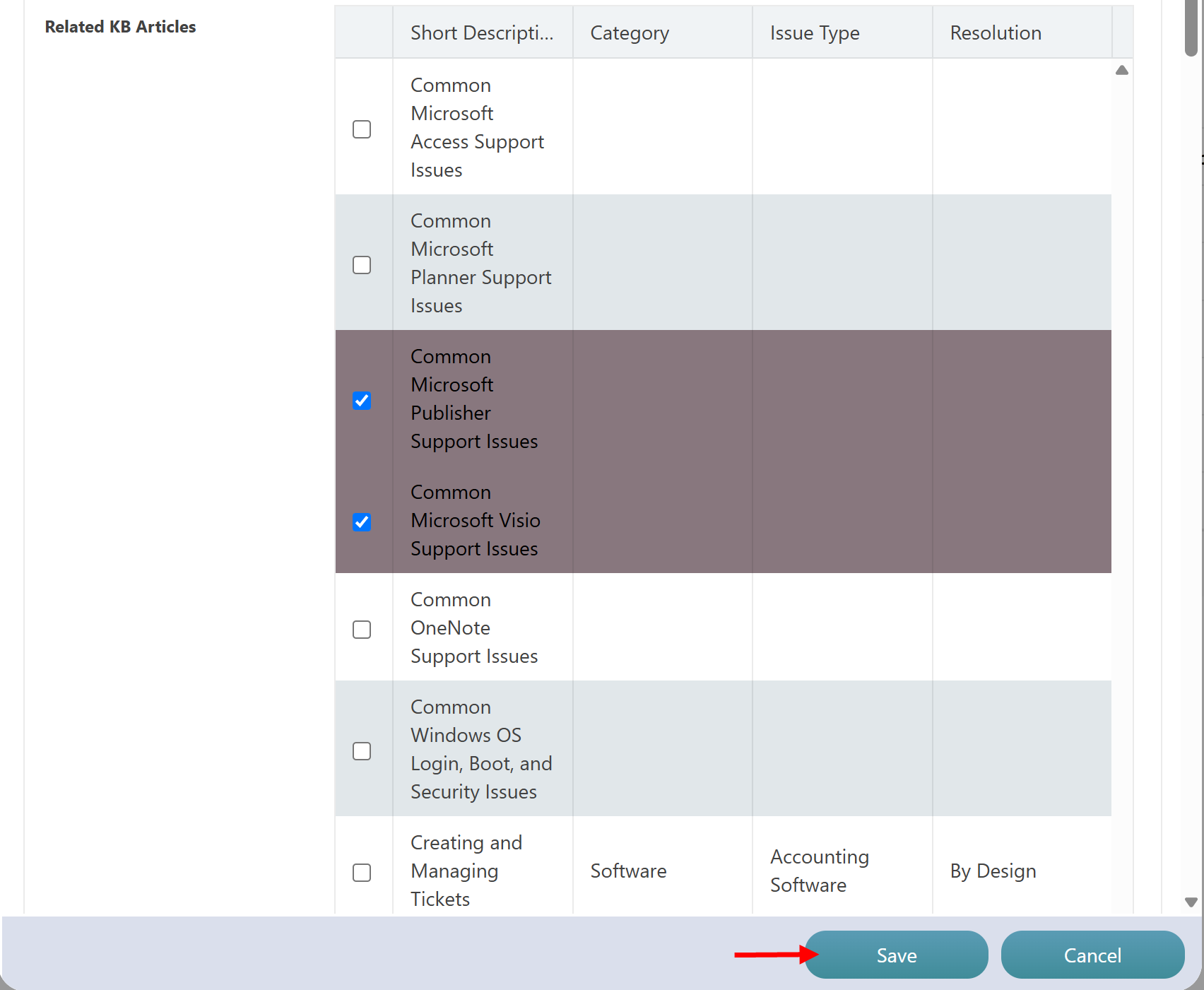
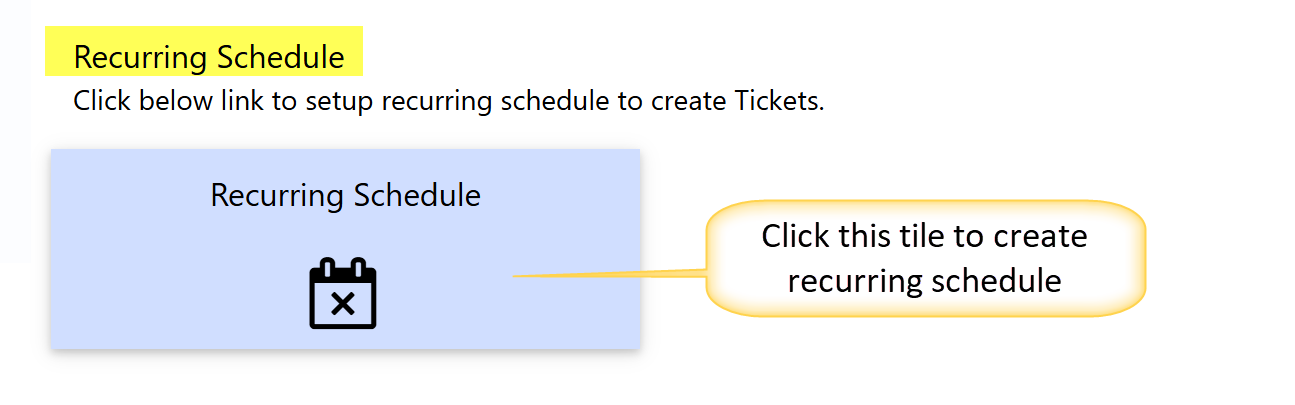
Configure recurring schedule to create Ticket with above template by clicking ‘Recurring Schedule’ tile.
A calendar list will open. click on ‘New Event’ button to create new event for recurring Ticket.
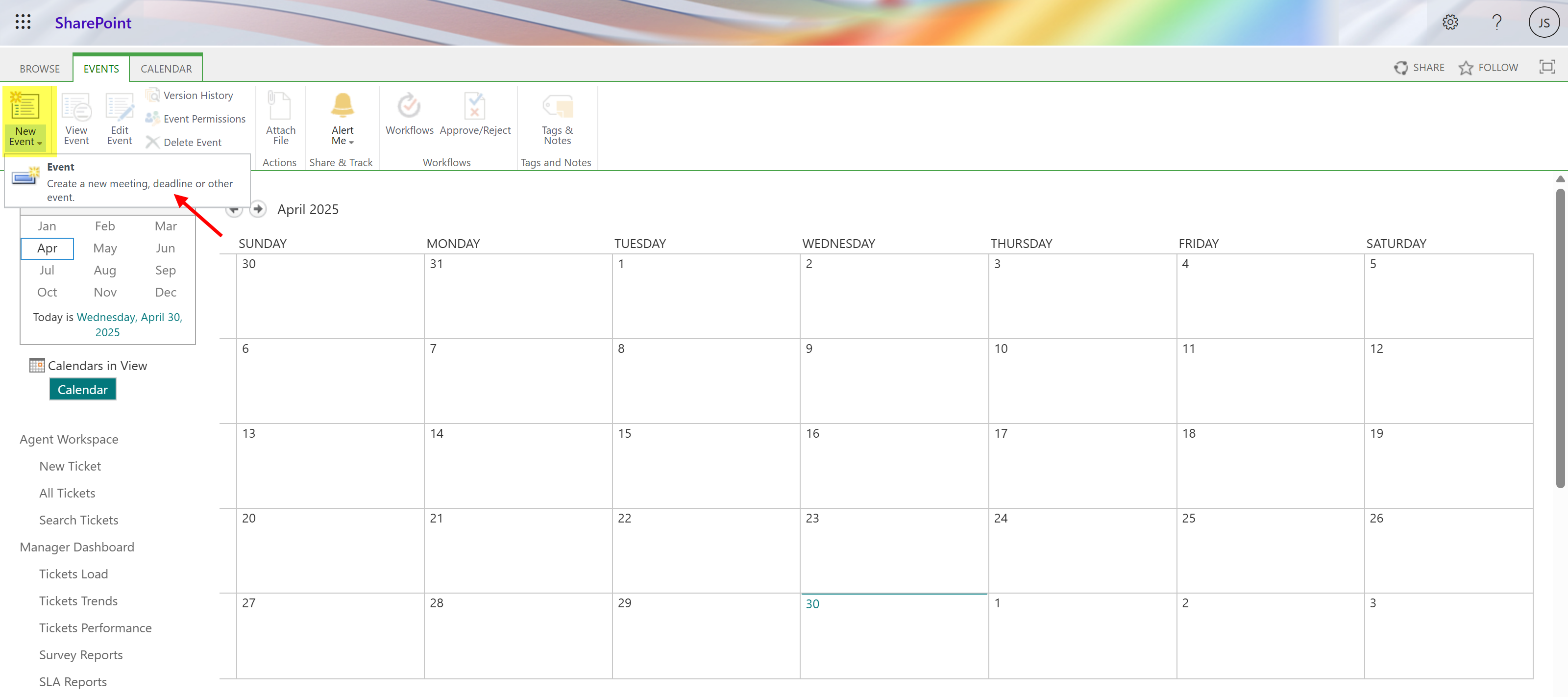
Click on ‘New Event’ button to create event.
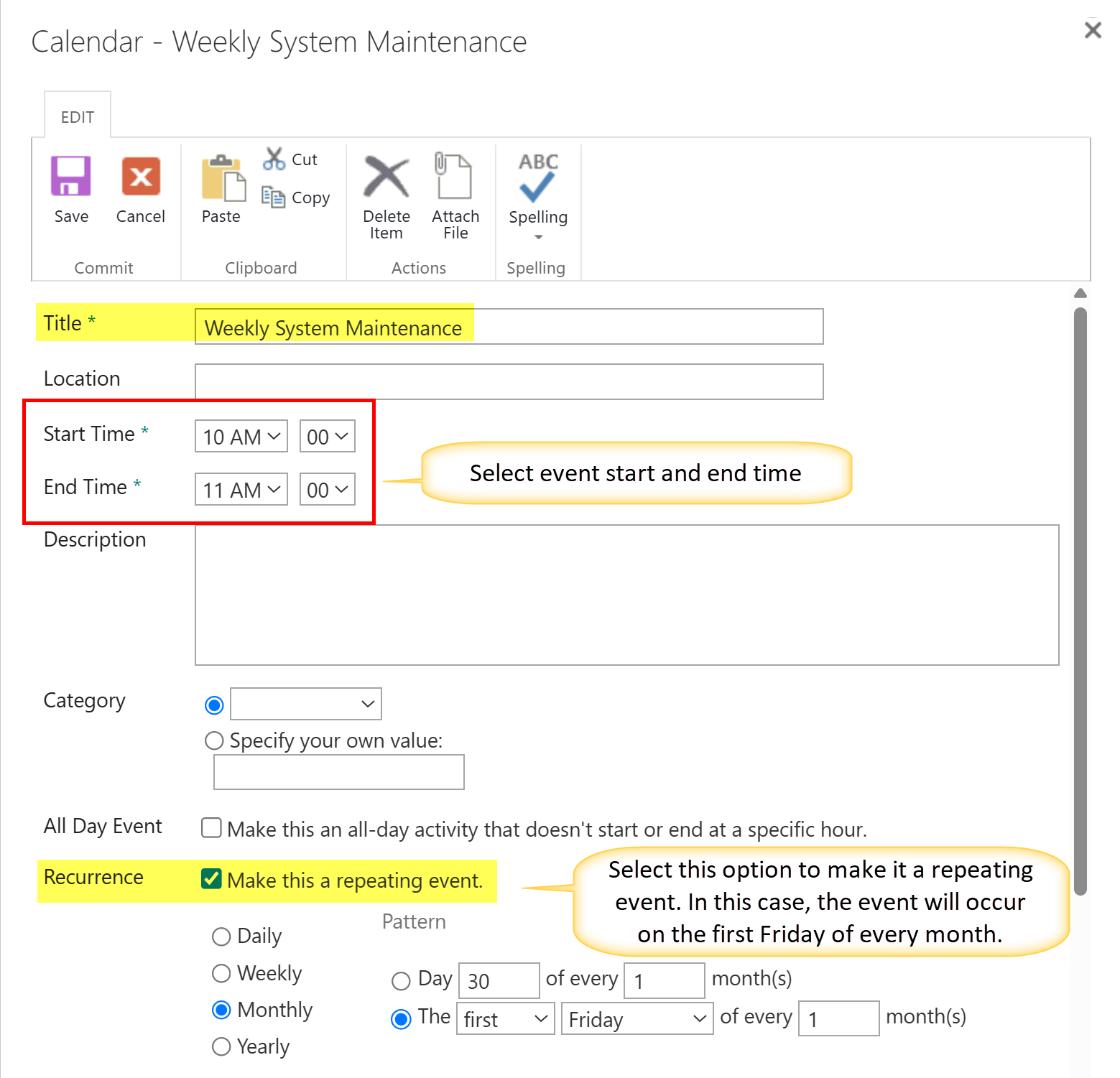
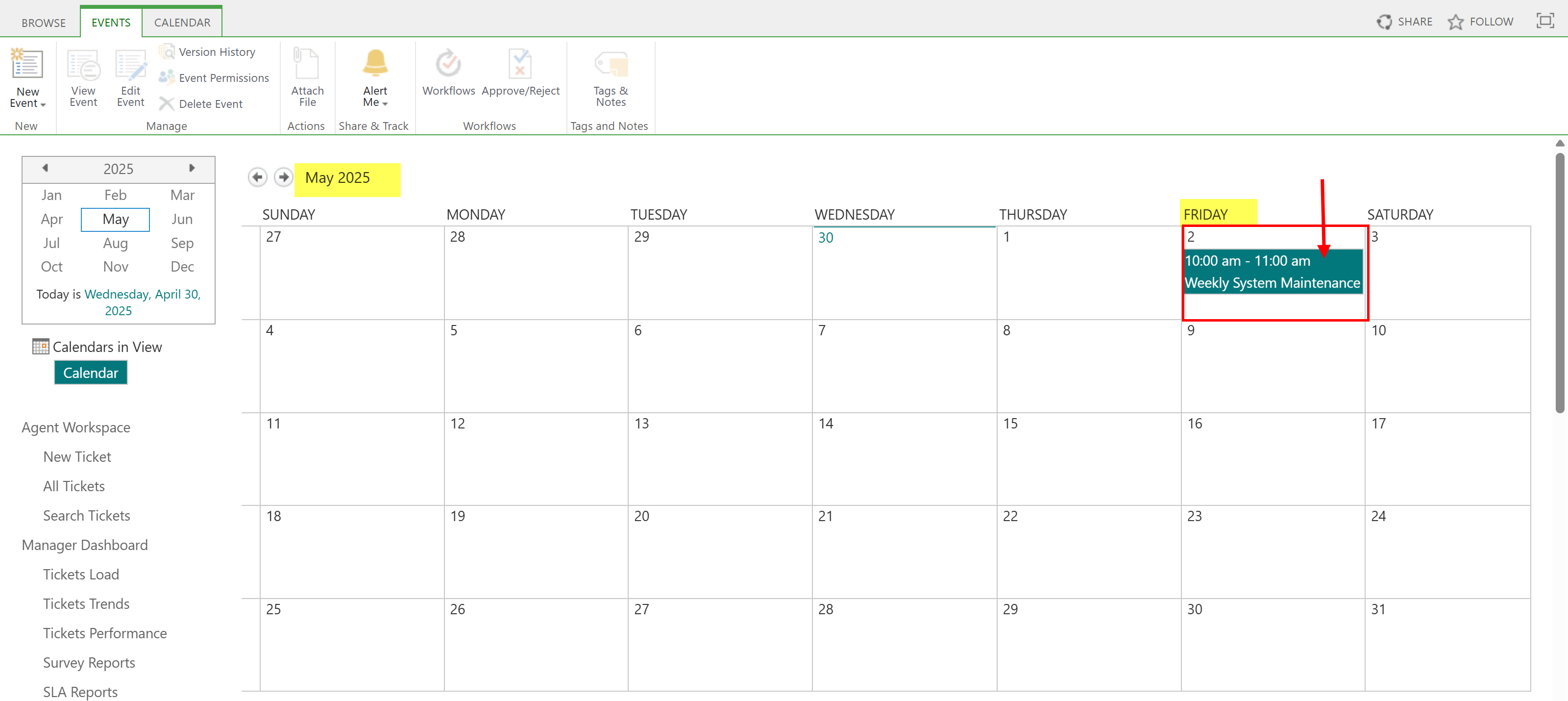
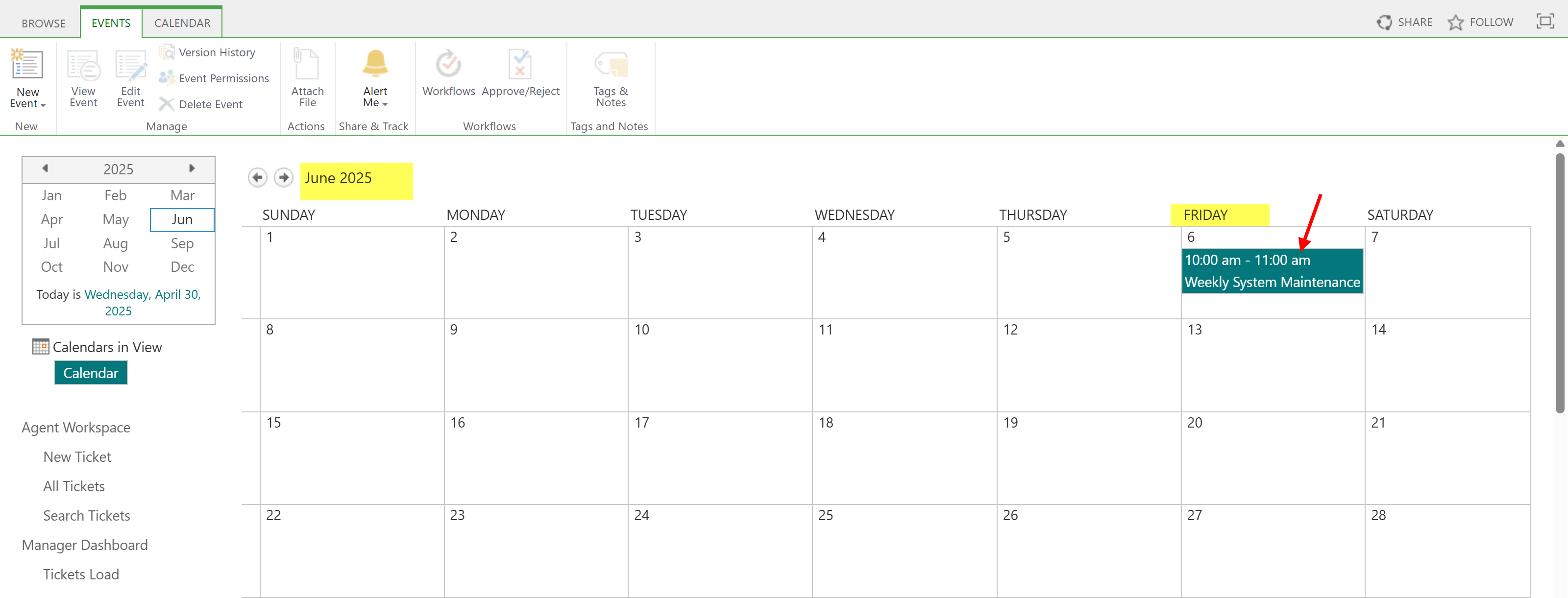
A Ticket based on the above template will be generated on the first Friday of every month.